
Cloud DMA
Cloud DMA product
At a glance
Key capabilities
What Cloud DMA focuses on before you open the full module list.
Plus 2 additional modules in the operator portal—see the full list below.
Overview
Cloud DMA
How this build fits ranked, Zero Build, and patch-day workflows.
Cloud DMA is offered as a separate product for supported configurations.
Review requirements and purchase options on the partner store.
Cloud DMA
Cloud DMA is a separate product for compatible setups. Review requirements and status on the partner store before purchase.
Modules
What's included
Every module and overlay shipped with Cloud DMA—toggle and tune in the operator portal.
- Cloud DMA product access
- Partner store setup
- Compatibility information at checkout
Experience
In the client · After you buy
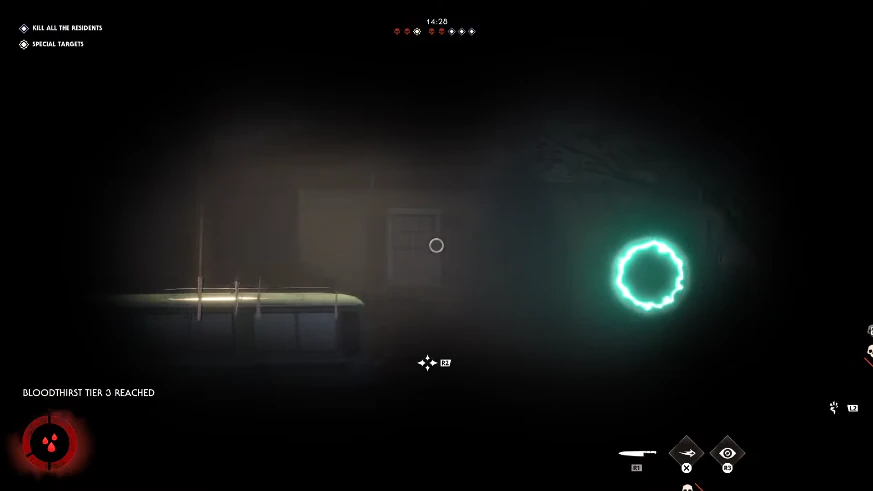
Use the screenshots above for Cloud DMA—below is what each layer means and how access works after checkout.
In-game layers
- Layer A
In-match view
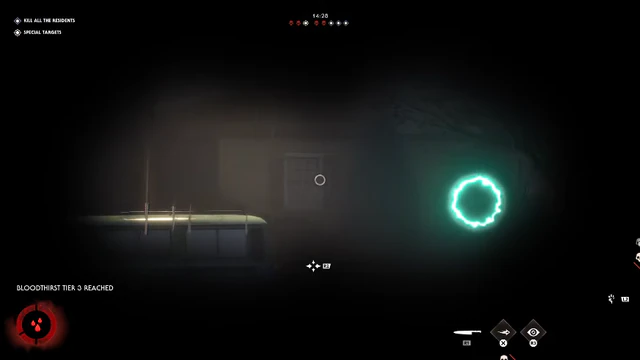
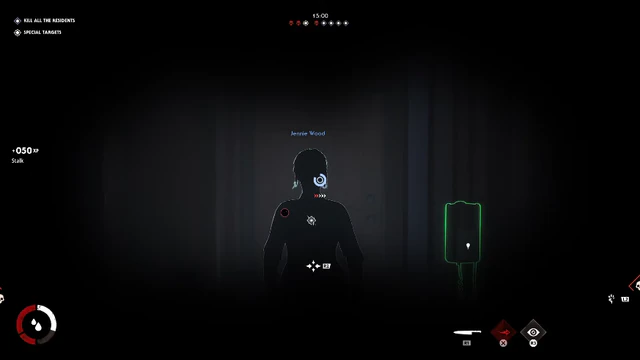
In-match HUD and environment from Halloween: The Game.
- Layer B
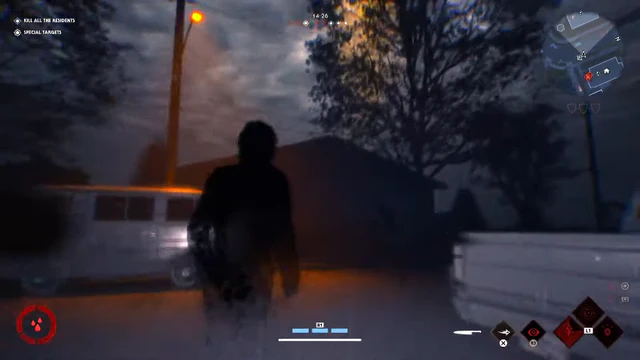
Match action
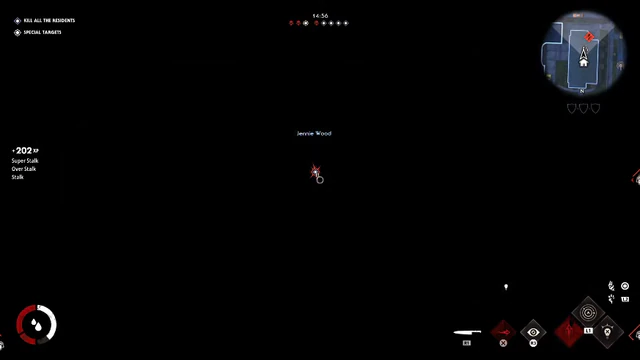
Action screenshot from a live match.
Guides
Learn more about Cloud DMA
Curated articles for setup, tuning, and patch-day checks that match this product.
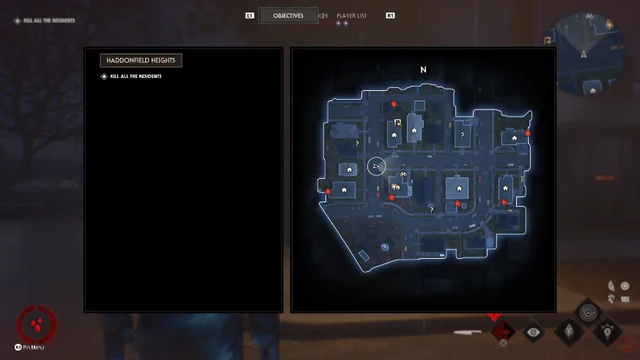
First-time setup for Halloween: The Game — status checks, loader install, Myers vs survivor presets, and safe testing.
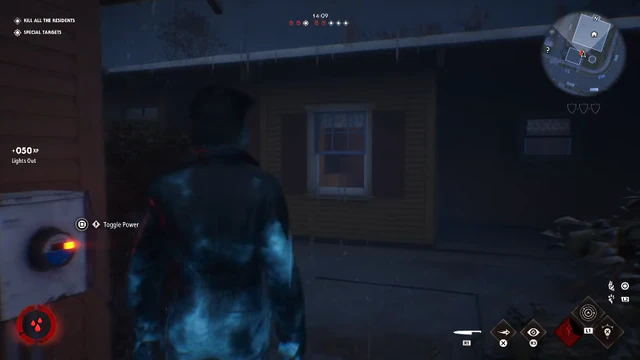
Tune killer overlays—distance, boxes, and chase awareness on Haddonfield without cluttering the screen.
How survivor ESP, objective markers, and radar help you route away from Myers in multiplayer.
Smoothness, FOV, and hotkeys for Myers and survivor weapons without obvious automation.
Status banner, loader update, and conservative presets after every Halloween: The Game update.
Hide ESP from OBS and Game Bar while you keep overlays on your monitor.
Product FAQ
Halloween Hacks questions
Straight answers on ESP, bans, and setup — see the full FAQ for every topic.